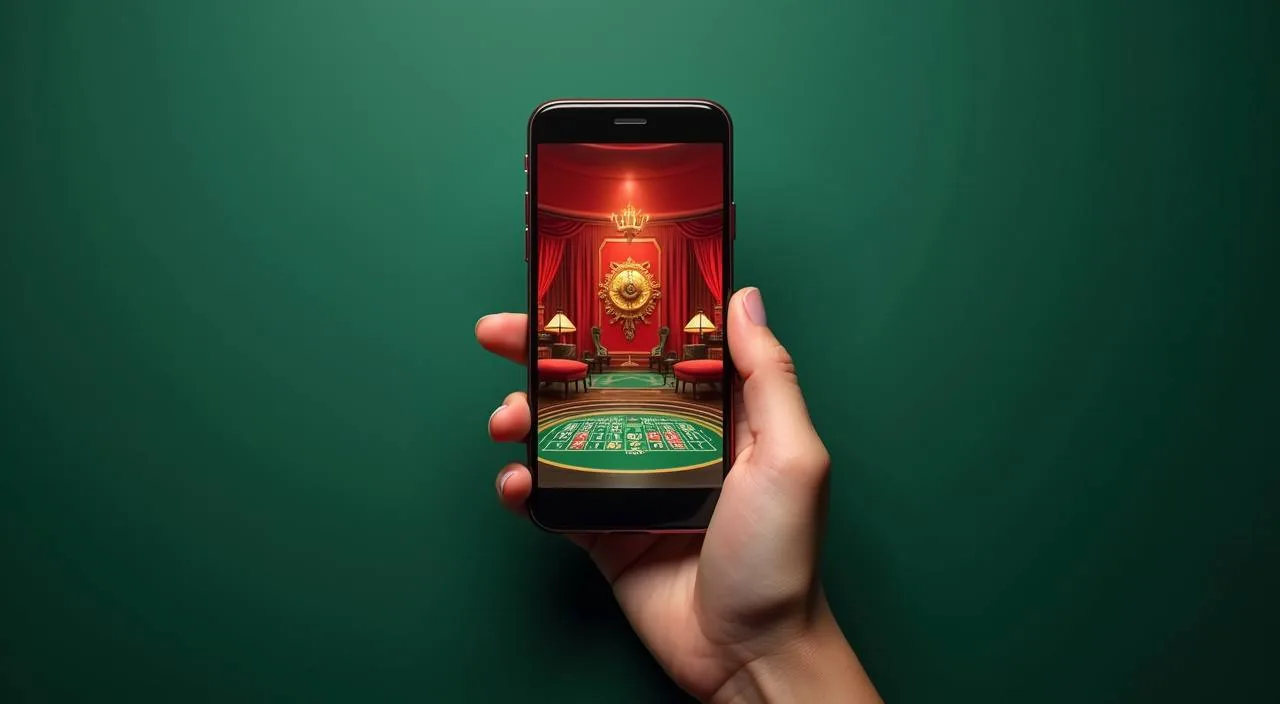
The 55kkbd lobby loads directly in your mobile browser — open the site, sign in and you are back where you left off. Check the current domain for the latest access route and confirm your device meets the browser requirements shown on the site.
Mobile browser ready
Account continuity across devices
Availability depends on local law and eligible regions
When you open 55kkbd in a phone browser, the layout shifts to a single-column view so navigation stays reachable with one thumb. The lobby menu, account wallet and game categories are all in the same place you left them on desktop. Your session carries across — start a game on your home Wi-Fi, pick it up on mobile data without losing your position in the account flow. Game discovery works through the same category rail used on desktop: slots from Pragmatic Play and CQ9, live tables, crash titles and the sportsbook including cricket markets are all reachable from the mobile nav. The account page shows your wallet balance, transaction record and the support link. If you cannot reach the site, the first step is confirming you have the current 55kkbd address — the help section publishes the verified domain whenever an update occurs.
BROWSER FEATURE SNAPSHOT
Mobile Page Behaviour on 55kkbd
These are the rendered behaviours you can verify yourself when you open the 55kkbd site on a phone browser. Nothing here requires a native install — the page adapts to your screen automatically. Scroll through each point and check it against what you see after you sign in.
Responsive Layout
The page reflows to your screen width automatically. Navigation collapses to a compact menu bar so category links — slots, live casino, sportsbook — stay within thumb reach on any standard phone screen without zooming.
Session Continuity
Your signed-in state persists while your browser session is active. Switch from home Wi-Fi to mobile data mid-session and the lobby reloads at your account rather than dropping you back to the entry page.
Account Wallet Visible
Your wallet balance and recent transaction list are accessible from the account icon in the mobile header. You can review deposit and withdrawal records without switching to a desktop view.
Game Category Rail
The horizontal category rail on mobile mirrors the desktop lobby. Tap any category — crash games, live tables, slots — and the title grid loads in the same session. No separate mobile catalogue.
ACCESS STEPS
Mobile Access in 3 Steps
Getting into the 55kkbd lobby on a phone does not require an app store. Follow these steps using the browser already on your device. If any step fails, the support link in the account menu is the fastest route to a resolution — do not use an address you found from an unofficial source.
Confirm the current address
Open the verified 55kkbd domain — 55kkbd — directly in your phone browser. Do not follow links from third-party sites; type or bookmark the address yourself to avoid landing on an unverified page.
Check browser compatibility
The site works in current versions of Chrome, Firefox and Safari on both Android and iOS. If the layout breaks, update your browser first. The site's help section lists supported browser versions when they change.
Sign in to your account
Enter your registered credentials on the login page. Your account balance, game history and wallet details load immediately after sign-in. Use the account recovery link on the login page if you need to reset your credentials.
DEVICE COMPATIBILITY CHECK
Which Devices and Browsers Work with 55kkbd
Before you try to access the lobby on a new device, run through this checklist. The site does not publish specific OS version numbers or RAM thresholds, so the checks here focus on what you can verify in your device settings right now rather than invented figures.
Browser version
Use an up-to-date version of Chrome, Firefox or Safari. Older browser versions may not render the game canvas or the account wallet correctly. Check your browser's About page to confirm it is current.
Screen layout
The mobile layout is designed for portrait orientation on standard phone screens. Tablet and landscape views also work but the single-column nav is optimised for portrait. Rotate if elements appear misaligned.
Account requirements
You need a registered 55kkbd account to access the full lobby. The game category rail and wallet are only visible after sign-in. Account registration is completed through the same browser session — no separate app required.
Checking supported devices
If your device shows display or loading issues, open the help section from the account menu. The published device guidance there is updated whenever the site makes changes to its mobile layer.
Network and data
Live table games and crash titles stream video, so a stable connection helps. The site does not specify a minimum speed, but switching from a weak signal to a stronger one mid-session will require the page to reload.
HELP FOR MOBILE USERS
Where to Get Help When Mobile Access Fails
Most mobile access problems come down to three things: an outdated browser, an incorrect domain address, or a signed-out session. Work through those before reaching out. When you do need to contact us, use only the support routes published inside your account — we do not maintain external helplines or third-party chat links.
In-account support link
The support link inside the account menu connects you directly to the 55kkbd help desk. Use this route for login issues, wallet queries or any page that fails to load on your phone. It is the only channel we can verify.
Help section on the site
The site's help section covers domain changes, browser requirements and account recovery steps. Check it first before contacting support — many mobile access questions are answered there without needing to raise a ticket.
Account recovery path
If you cannot sign in on mobile, use the recovery link on the login page. It walks you through credential reset using the contact details registered to your account. Do not share credentials with third parties claiming to offer access help.
MOBILE ACCESS TRUST CHECKS
Stay Safe When You Access 55kkbd on a Phone
Mobile access carries a small set of risks that desktop use does not — shared devices, saved passwords on public browsers and unofficial domain links are the most common issues we hear about. These checks are practical steps you can take right now to keep your account secure on mobile.
Verify the domain
Always confirm you are on 55kkbd before entering your credentials. The address bar on your browser is the quickest check. Bookmark it after your first verified visit so you do not rely on search results or links from other sites.
Review published device guidance
The help section publishes device and browser guidance whenever the mobile layer changes. Check it when you notice display issues rather than assuming your account has a problem — it is usually a browser version update.
Protect your account credentials
Do not save your 55kkbd password in a shared or public browser. Use your device's private or incognito mode on shared phones. Sign out manually after each session rather than relying on automatic timeout.
Use the published recovery path
If access is lost, the account recovery link on the login page is the only route we support. Third-party recovery services are not affiliated with 55kkbd and cannot access your account. Use the recovery path inside the site only.
APP FAQ
Your Questions About 55kkbd Mobile Access
These are the questions we receive most often from people trying to access the 55kkbd lobby on a phone. If your question is not covered here, the in-account support link connects you to the help desk directly.
Is there a 55kkbd app I can download from the Google Play Store or App Store?
A native app-store listing is not currently confirmed for 55kkbd. Access the lobby through your phone browser using the verified domain 55kkbd. The mobile site loads the full lobby — games, account wallet and support — without a separate install.
Does the 55kkbd mobile site work the same as the desktop version?
Yes. The game catalogue, account wallet, deposit and withdrawal history, and support link are all accessible after you sign in on mobile. The layout reflows to a single-column view, but no features are removed from the mobile browser version.
Can I stay signed in on 55kkbd if I switch between Wi-Fi and mobile data?
Your session persists while the browser tab stays open. Switching networks mid-session may cause the page to briefly reload, but your signed-in state is maintained. If the session drops, sign in again using the same credentials.
What should I do if the 55kkbd site does not load properly on my phone?
First, check that your browser is up to date — Chrome, Firefox or Safari in a current version. Then confirm you are using the correct domain. If the problem continues, open the help section from a working device and follow the published device guidance.
How do I recover my 55kkbd account if I cannot sign in on mobile?
Use the account recovery link on the 55kkbd login page. Enter the contact details registered to your account and follow the steps shown. Do not use third-party services claiming to recover access — only the recovery path on 55kkbd is supported.
Are cricket betting markets available when I access 55kkbd through a mobile browser?
The sportsbook, including cricket markets, is accessible from the mobile navigation menu after sign-in. Availability depends on local law and eligible regions. The mobile layout gives you the same category access as desktop — tap the sportsbook icon in the nav bar.
 Sports / App