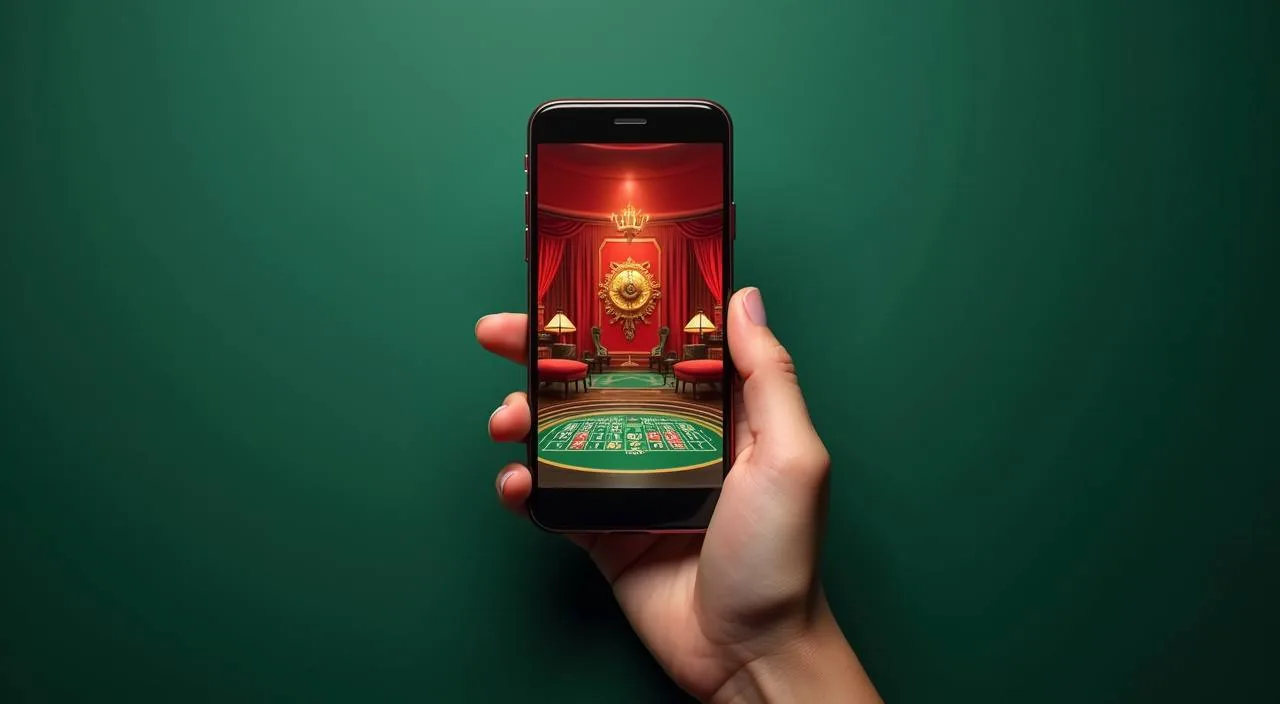
55kkbd is a mobile-led platform shaped around the way people in Bangladesh actually play — quick access from any phone, payments through Nagad, Rocket and Bank Transfer, and a lobby that holds your place whether you switch devices or pick up hours later. Availability depends on local law and eligible regions.
We built 55kkbd around one practical idea: your account should follow you, not the other way around. Open the lobby on your phone during a commute, return on a desktop later, and the session state carries across. There is no separate app to download — the mobile browser experience is the primary one, and we keep it fast and light so it loads cleanly even on a standard Dhaka mobile connection.
Nagad
Rocket
Bank Transfer
BY THE NUMBERS
Four Things You Can Check in the Lobby
These are structural facts about the platform — things you can verify yourself by opening the lobby or your account page. We do not publish player counts, session totals or payment-processing speeds, because those figures change and quoting a snapshot does not serve you. What stays consistent is the shape of what we offer: game categories, payment routes, supported language and the ways you can reach us.
Game studios in the lobby: Microgaming, Pragmatic Play, CQ9, JDB, Joker, PlayStar
6
Configured payment routes for Bangladesh: Nagad, Rocket, Bank Transfer
3
Platform language: English for Bangladesh, across all account and lobby pages
1
Published support routes accessible from your signed-in account help section
3
REACH US DIRECTLY
How to Get Help With Your Account
If something in your account is not working as expected — a payment step that stalled, a login that did not complete, a wallet balance that has not updated — there are three routes to get it sorted. All three are accessible from the help section inside your signed-in account. We do not publish operating hours as a guarantee, but the routes below are the ones we actively monitor.
Live Chat
Open the chat widget from the help section of your signed-in account. It is the fastest route for wallet and login questions. Describe what step you were on and what the screen showed — that helps the agent pick it up quickly.
Email Support
For account verification, payment documentation or anything that needs a paper trail, email is the right channel. Find the address in your account help section. Include your registered mobile number and the transaction reference if you have one.
Help Centre
The self-serve help section covers common account steps: how to link Nagad or Rocket, how to check a pending transaction, and how to update your contact details. Start here for quick answers before opening a live chat.
WHY WE STAND BEHIND IT
The Signals That Back Up What We Say
We are careful about claims we cannot evidence. Rather than listing awards or quoting figures we cannot verify, we point to the parts of the platform you can check yourself — the payment rails in your wallet, the studio names on the game tiles, the support routes in your account menu.
Verified Payment Rails
Nagad, Rocket and Bank Transfer are configured and visible inside your signed-in wallet. You can confirm each route is live before you initiate a transaction — the fields and limits display on screen at the point of use.
Named Studio Content
Every game in the lobby carries the studio name on its tile. Microgaming, Pragmatic Play, CQ9, JDB, Joker and PlayStar are the six studios whose content we carry. If a title shows a different label, that is the provider's own branding for that game.
Device Continuity
Your account session carries across devices without a separate login on each. Open the lobby on your phone, pick it up on a tablet or desktop later — the wallet balance and game history are the same view, pulled from the same account.
Account-Level Transparency
Transaction history, wallet balance and active session details are all visible in your account dashboard. If a deposit or withdrawal is in progress, the status updates there — you do not need to contact support to confirm it is moving.
ACCESS ROUTES COMPARED
Mobile Browser or Desktop: What Changes
We designed the mobile browser as the primary surface — not a stripped-down version of a desktop site. That said, there are practical differences between how the lobby behaves on a phone versus a larger screen, and knowing them helps you pick the right device for what you want to do.
Mobile Browser
The lobby loads in a single-column layout sized for thumb navigation. Nagad and Rocket deposits are one tap from the wallet icon. Game tiles are large enough to tap cleanly. Best for quick top-ups and picking up a session mid-day.
Desktop Browser
The full grid layout shows more game tiles at once, and the live casino section renders the dealer feed at a wider aspect ratio. Bank Transfer steps are easier to complete on desktop where you can copy account details without switching apps.
Switching Devices
Log in with the same account credentials on any device. Your wallet balance, active rounds and transaction history are consistent. There is no sync step — the account state is server-side, so it is already current when you open the lobby.
Payment Route by Device
Nagad and Rocket work on both mobile and desktop but are faster to complete on a phone where the wallet app is already installed. Bank Transfer suits desktop because you can keep your banking portal open in a separate tab alongside the 55kkbd wallet page.
WHAT DEFINES US
Four Things That Shape the 55kkbd Experience
These are the elements that most of our Bangladesh audience notices first — and comes back for. None of them are abstract brand statements; they are things you encounter in the first few minutes of using the platform. Cricket betting sits alongside slots and live tables in one lobby. Payments move through the rails Bangladesh actually uses.
Cricket in the Sportsbook
BPL and IPL matches are listed in the sportsbook section alongside international fixtures. It is the category our Bangladesh audience opens first, and it sits one tap from the main lobby menu — no separate navigation needed to get there from slots or live tables.
Local Payment Setup
Nagad and Rocket are in the wallet section of every account, next to Bank Transfer. You do not need to request activation — they are available by default for eligible Bangladesh accounts. Check your wallet page to confirm the current status shown for your account.
Phone-First Lobby
The mobile layout is the one we put the most work into. Game discovery, account top-up and support access are all reachable with one or two taps from the home screen. We do not hide features behind a desktop-only menu or ask you to download a separate app.
In-Account Help
Support access is inside your signed-in account, not on a public help page that requires a separate login. Open the help icon from any lobby screen to reach live chat, email support or the self-serve articles — whichever fits the question you have.
COMMON QUESTIONS
Questions About 55kkbd, Answered Directly
These are the questions we see most often from people who have just found the platform or are deciding whether to open an account. If yours is not here, the help section inside your signed-in account is the fastest place to get a specific answer.
Is 55kkbd available for players in Bangladesh?
Availability depends on your local law and eligible region. We have configured the platform for Bangladesh — with Nagad, Rocket and Bank Transfer as payment routes and English for Bangladesh as the account language — but you are responsible for confirming that access is permitted under the rules that apply to you.
Which payment methods can I use to deposit and withdraw?
Nagad, Rocket and Bank Transfer are the configured routes for Bangladesh accounts. Each appears in the wallet section of your signed-in account with its current status, applicable limits and the steps to complete a transaction. Check there for the live information rather than a figure quoted elsewhere.
Do I need to download an app to use 55kkbd on my phone?
No download is required. The mobile browser version is the primary product — open 55kkbd in any mobile browser and log in. The layout is designed for phone screens, and all features including wallet top-up, game access and support are available without installing anything.
What game studios are available in the 55kkbd lobby?
The lobby carries content from Microgaming, Pragmatic Play, CQ9, JDB, Joker and PlayStar. These studios supply slots, live casino tables and table games. Studio names appear on each game tile. RTP information is shown only where the game or studio exposes it — we do not publish figures independently.
If I start playing on my phone and switch to desktop, does my progress carry over?
Yes. Your account state — wallet balance, transaction history and active session — is held server-side and is the same whichever device you use to log in. There is no manual sync step. Log in with the same credentials and the lobby opens to the current state of your account.
How do I contact support if I have a problem with my account?
Open the help section from inside your signed-in account. From there you can reach live chat for quick questions, email support for anything that needs documentation, or browse the self-serve articles for common steps like linking Nagad or checking a transaction. All three routes are accessible from the same menu.
 Sports / App